

Telehealth
Glow Health Care Australia helps older Australians in Sydney use telehealth, with allied health appointments by secure video call and practical help to get set up for video appointments with your own GP or specialist. Support can be arranged through Support at Home, Medicare or private funding.
What Is Telehealth?
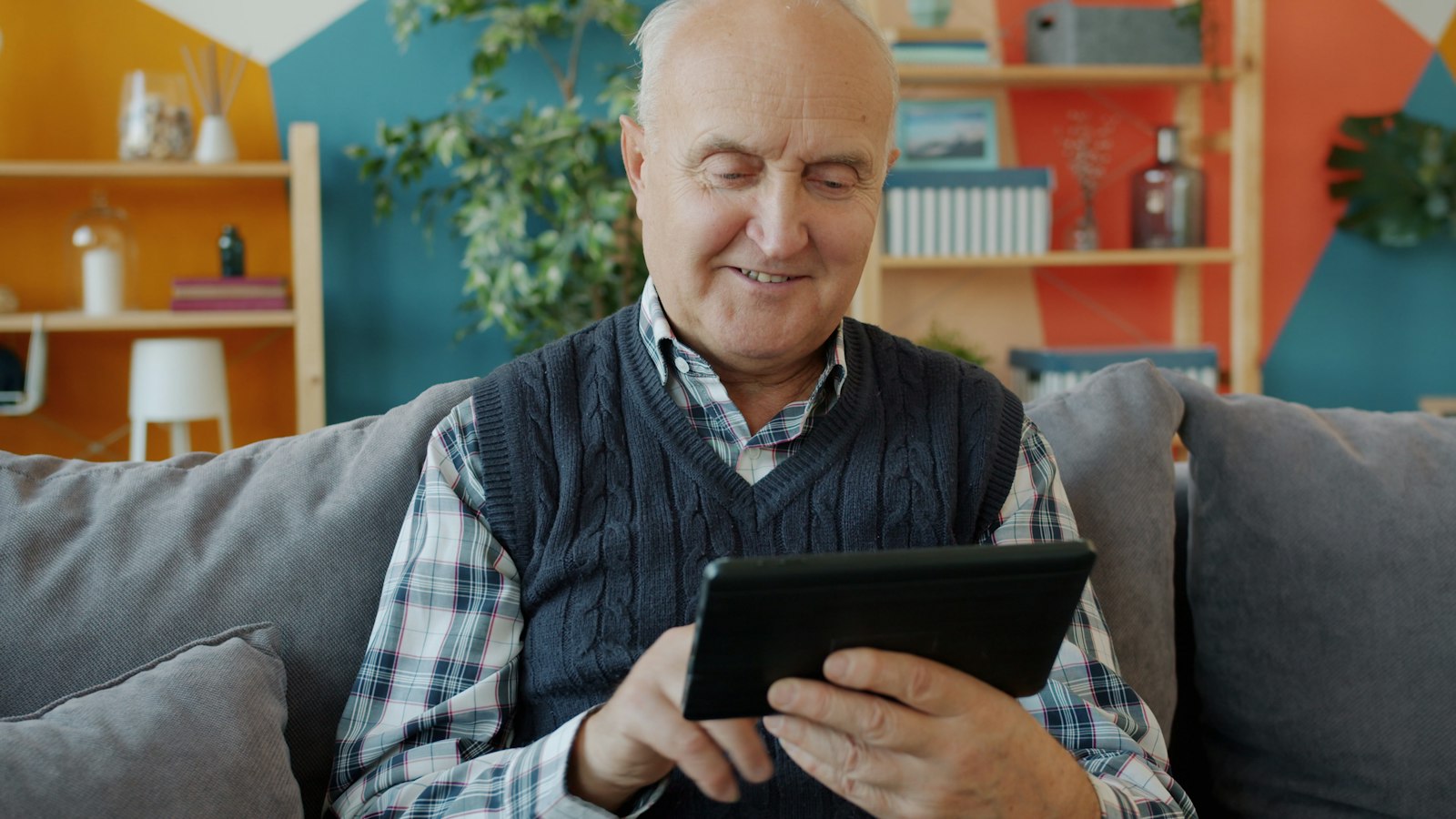
At Glow Health Care Australia, our allied health team offers appointments by secure video call as well as home visits. Our support workers can also help you get set up for telehealth, from charging a tablet to practising a video call before your appointment.
Telehealth is not right for everything. Anything that needs a physical examination or a test still happens face to face, and telehealth is never for emergencies.

How We Can Help With Telehealth
Whether an appointment is by video or in person is agreed with you and your health professional, based on what is appropriate for your needs.
Allied Health by Video
Appointments with our allied health team by secure video call, where appropriate.
Allied HealthGetting Set Up
Help setting up your phone, tablet or computer for video appointments.
Set UpPractising a Video Call
A practice call before your appointment, so you feel ready on the day.
PracticeAppointments With Your GP
Help getting ready for telehealth appointments booked with your own GP or specialist.
Your DoctorBringing Family In
Help adding a family member to a video call so they can join from elsewhere.
FamilyBuilding Your Confidence
Step by step help to use video calls on your own, at a pace that suits you.
Skills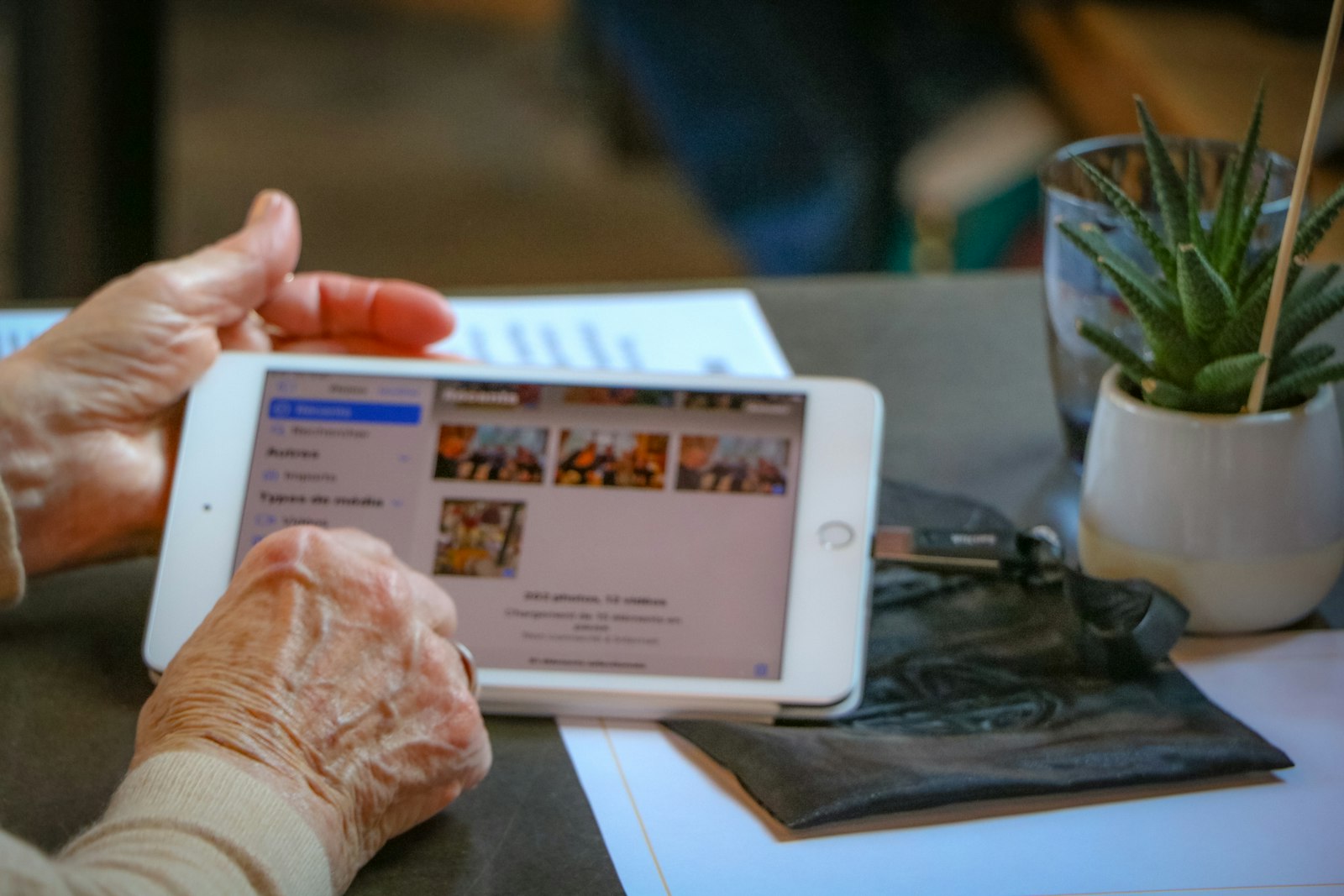
What Telehealth Does Not Cover
Telehealth works well for many appointments, but it has limits.
Emergencies
Telehealth is not for emergencies. If you need urgent help, call Triple Zero (000).
Examinations and Tests
Anything that needs a physical examination or a test is done face to face.
Buying Devices
Buying a phone, tablet or computer for getting online is not covered under Support at Home.
Internet and Phone Costs
Your own internet and phone bills are generally a personal expense.
Who Can Telehealth Help?
People Who Find Travel Hard
Older people for whom getting to appointments is difficult or tiring.
Regular Check Ins
People who see a health professional often and want to save some trips.
Families Living Apart
Families who want to join appointments from another suburb, city or country.
People New to Technology
Anyone who would like help and practice before using video calls.
How Telehealth Is Funded
Telehealth is a way of receiving care, so it is funded in the same way as the service you are receiving.
Support at Home
Allied health and nursing are clinical services, and help learning to use technology is part of social support.
- Services must be approved in your support plan
- No contribution for clinical care such as allied health and nursing
- A contribution usually applies to social support
- Paid from your quarterly budget
Your assessment decides the services you are approved for.
Medicare
Telehealth appointments with GPs, specialists, allied health professionals and nurse practitioners may attract a Medicare rebate.
- Bring your Medicare card details
- GP telehealth rebates generally need a face to face visit at the practice in the past 12 months
- Ask the practice about any gap fee
Check rebate rules with your health professional when you book.
Private Home Care
Pay privately for help getting set up for telehealth, on its own or alongside funded services.
- Support while you wait for government funding
- Extra help on top of your funded services
- Fees set out in your service agreement before you start
Talk to us about current private rates and availability.
Getting Ready for a Telehealth Appointment
Check Your Device
Charge your phone, tablet or computer and check the internet is working.
Find a Quiet Spot
Choose a quiet, well lit place where you can speak privately.
Have Things Handy
Keep your Medicare card, a list of your medicines and any questions nearby.
Join a Little Early
Open the link a few minutes before your appointment. Health professionals can sometimes run late.
Telehealth and Home Visits, Together
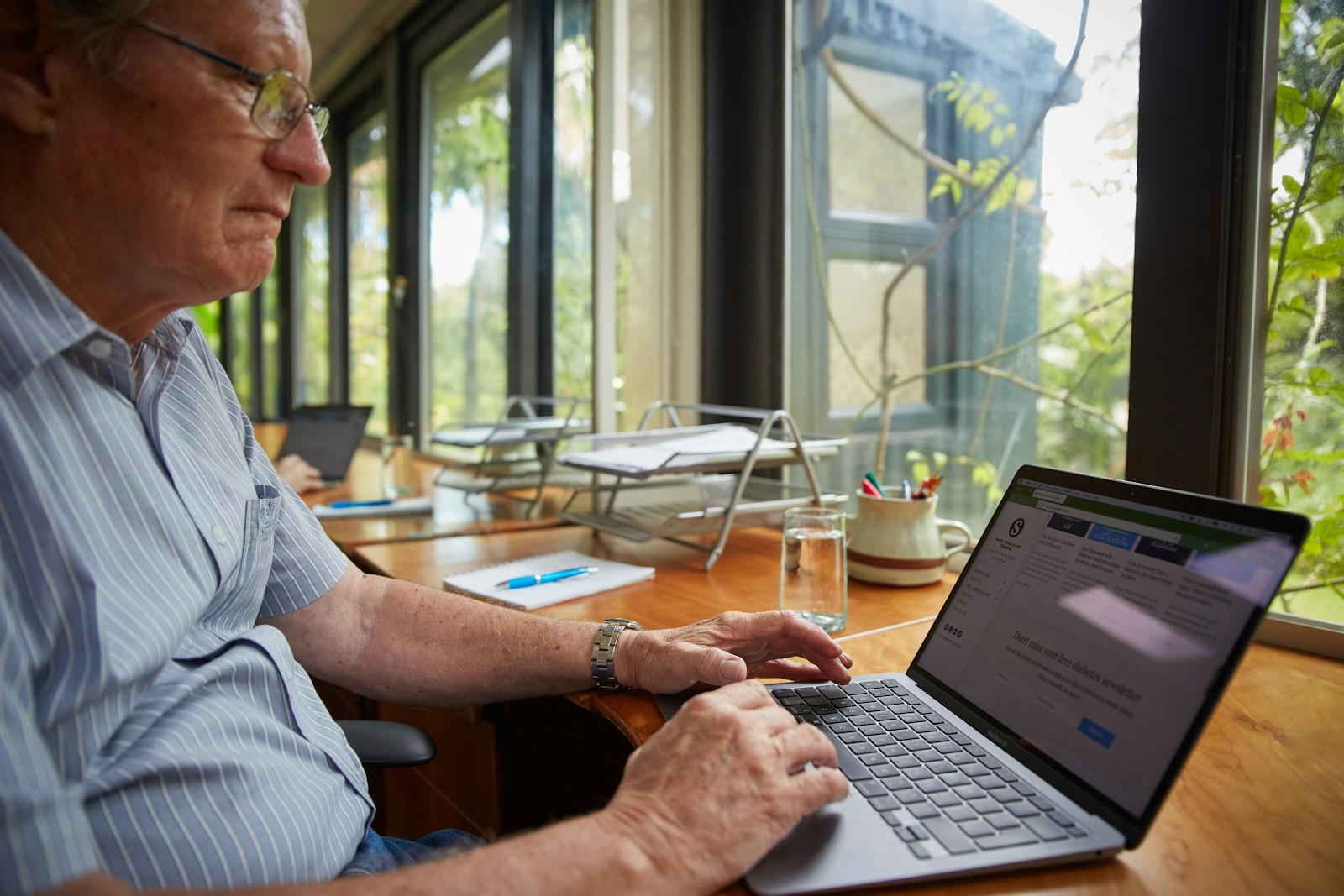
Telehealth works well alongside face to face care. Our allied health team can mix video appointments with home visits, depending on what suits you and what your care needs. Let us know about language or cultural preferences, and we will work with you to meet them where we can.
Want to talk it through? Call us on 1300 157 715.
More Home Care Services
Explore related support and information.
Talk to Us About Telehealth
Our team can talk through your options and funding. Call 1300 157 715 or send us a referral.